
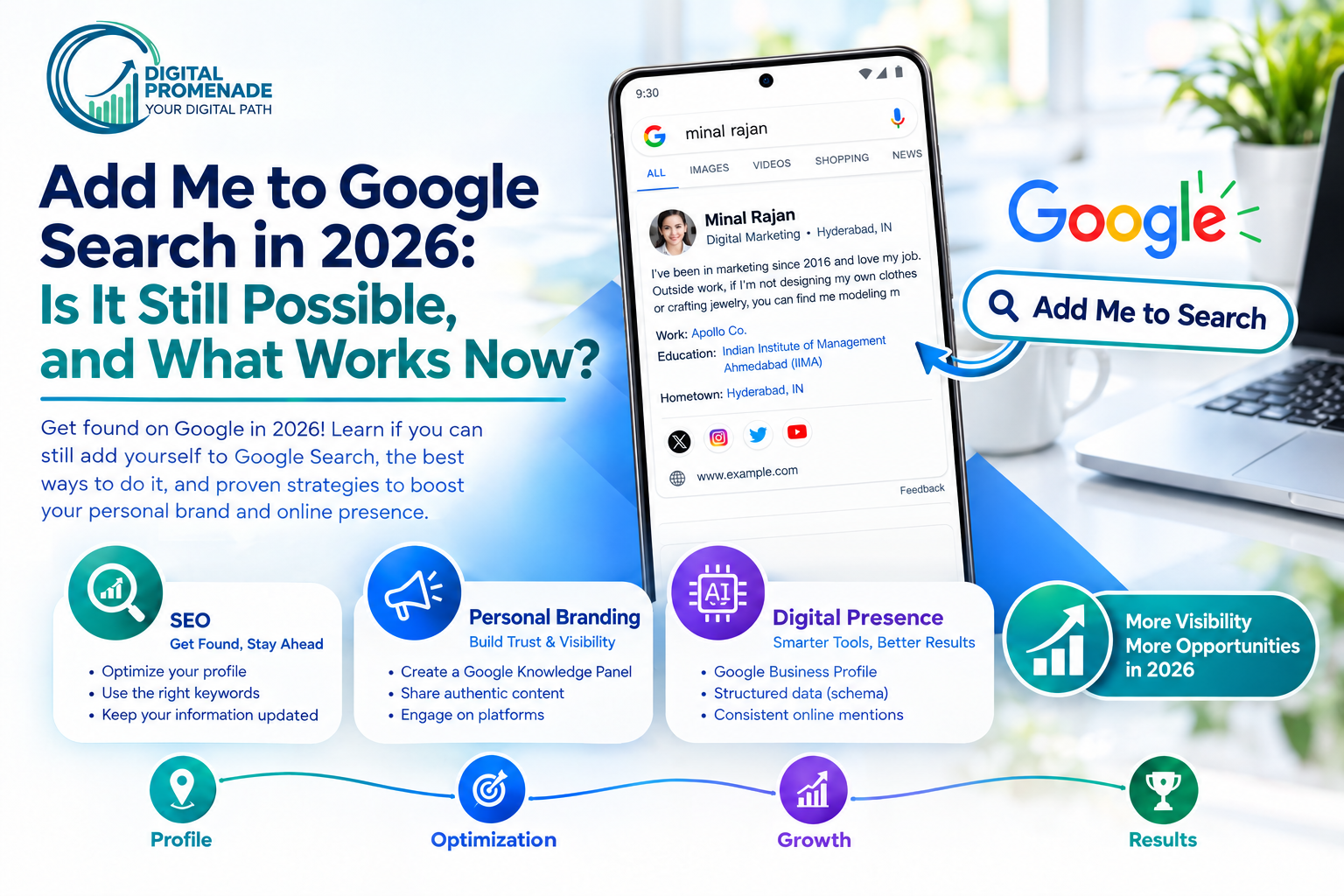
Add Me to Google Search in 2026: Is It Still Possible, and What Works Now?
Google shut down “Add Me to Search” on April 7, 2024, so you can no longer create, edit or find a Google People Card. You can still get your name to show up on Google. Build a personal website with Person schema, claim a Knowledge Panel when Google already has one for you, keep your profiles consistent and earn mentions on trusted sites.
Most guides that rank for “add me to Google search” still walk you through steps that no longer exist. We wrote this guide to correct that. Below, we explain what the feature was, what happened to it, why “add me to search” does not show up on your phone, and the six-step process we use with clients to get a name or a business found on Google today.
What Is “Add Me to Google Search” and What Did the Google People Card Do?
“Add Me to Google Search” was the prompt Google showed when you typed “add me to search” into the Google app or a mobile browser. It opened the setup flow for a Google People Card, a short public profile that appeared in results when someone searched your name. People also called it a virtual business card, an add me to search card or a Google search profile.
What did a Google People Card show?
The card held a name, occupation, location, a short bio, an optional photo, and links to a website and social profiles. You could add a phone number or email address, but Google treated those as optional and public. You edited the card by searching “edit my people card” while signed in.
Who could create a People Card?
Google introduced People Cards in India in 2020 and later opened them to Kenya, Nigeria and South Africa. XDA Developers reported that Google allowed one card per Google Account and used a phone number to verify the account. Google also let people report impersonation through a feedback option on each card.
In short: A Google People Card was a free, mobile-only profile for people in four countries. It showed a name, job, location, bio and links, and it was tied to one Google Account.
Can You Still Add Yourself to Google Search in 2026?
No. Google discontinued the feature, and no region, account type or workaround brings it back. Search Engine Journal reported the shutdown when Google emailed card owners in March 2024.
When and why did Google end People Cards?
Google ended the feature on April 7, 2024. Card owners could download or save their content until May 7, 2024, after which Google deleted the data. In its email, Google said the cards worked as designed but proved less useful to people than the company had hoped. The shutdown only affected People Cards. Other Search features and Google products stayed in place.
Why does “add me to search” not show up on your phone?
The “Get started” prompt does not appear because the service behind it no longer exists. You will see the same result if you search “edit my people card” or “create my people card.” Eligibility settings do not matter anymore. Switching your language, turning on Web & App Activity or changing your account will not change the result.
Does a VPN still let you create a People Card?
No. People used VPNs to reach the feature from outside the four launch countries. That trick worked only while Google ran the service. With the service closed, no location unlocks it. Treat any site that promises to set up your People Card for a fee as a scam.
| Question | Before April 7, 2024 | In 2026 |
| Can you create a People Card? | Yes, in eligible countries | No |
| Can you edit an existing card? | Yes, through “edit my people card” | No |
| Is your old card still live? | Yes | No, Google deleted the data after May 7, 2024 |
| Does a VPN help? | It reached the feature from other countries | No |
In short: Google ended “Add Me to Search” on April 7, 2024. The prompt is missing because the service is gone, and old tutorials, VPN tricks and paid setup services cannot restore it.
What Replaces the People Card and Which Option Fits You?
No single tool replaces it. You now combine several assets that Google can find and connect to your name. We score each option below on three factors, where 5 is the best result for you: effort (5 means easiest), control (5 means you decide what appears) and impact on searches for your name.
| Option | Effort | Control | Impact on name searches | Best for |
| Personal website with Person schema | 3 | 5 | 5 | Freelancers, consultants, executives |
| Claimed Knowledge Panel | 2 | 3 | 4 | People who already have a panel |
| Google Business Profile | 4 | 4 | 4 | Local and service businesses |
| Consistent professional profiles (LinkedIn, GitHub, Behance) | 5 | 3 | 3 | Everyone as a baseline |
| Mentions on third-party sites | 2 | 2 | 4 | Anyone with expertise to share |
| Results about you tool | 4 | 4 | 2 | Anyone who wants to remove personal data |
These are our editorial scores from client work. They are not Google data. The personal website scores highest because you own it, you control every word on it, and every other signal can point back to it.
In short: A personal website with Person schema gives you the most control and the strongest effect on name searches. A claimed Knowledge Panel, a Google Business Profile, consistent profiles and outside mentions support it.
How Do You Get Your Name on Google Without a People Card?
You give Google clear, consistent proof of who you are, then let it connect that proof to your name. We follow these six steps in order.
Step 1: Build one page that Google can treat as your home
Register a domain that matches your name, such as yourname.com. If the exact name is taken, use the closest version that includes your profession. Publish an About page with your full name, role, location, a short bio and links to your profiles. Our website development team builds this page as the central reference for every other signal.
Step 2: Add Person structured data to that page
Structured data tells Google which facts belong to which person. Add a JSON-LD block to your About page using the Schema.org Person type. Google’s structured data documentation explains how it reads profile information.
{
“@context”: “https://schema.org”,
“@type”: “Person”,
“name”: “Your Full Name”,
“jobTitle”: “Your Profession”,
“url”: “https://www.yourname.com/about/”,
“image”: “https://www.yourname.com/photo.jpg”,
“sameAs”: [
“https://www.linkedin.com/in/your-profile”,
“https://github.com/your-profile”
]
}
Schema does not guarantee a result, but it removes guesswork about which profiles are yours.
Step 3: Make every profile say the same thing
Use the same name spelling, job title, photo and short bio on LinkedIn, your site, your social accounts and any directory listing. Inconsistent details are the most common reason Google mixes one person up with another who shares a name.
Step 4: Earn mentions on sites you do not own
Google trusts what others say about you more than what you say about yourself. Contribute expert quotes, guest articles, podcast appearances and industry directory listings that name you and link to your site. Our SEO services include this kind of outreach for clients who want mentions that support both a name and a brand.
Step 5: Verify your site in Search Console and watch your name
Add your site to Google Search Console and check the Performance report for queries that contain your name. This shows whether Google associates your site with your name and which pages it shows. Fix what you find. A missing About page, for example, tells you where to start.
Step 6: Publish on a schedule
A site with one page does not build authority. Plan articles, case notes or talks around the topics you want to be known for. We cover the method in our guide to building a content roadmap, which works for a personal site as well as a company blog.
In short: To get found without a People Card, publish a name-matched website with Person schema, align your profiles, earn outside mentions, verify the site in Search Console and publish on a plan. Search results for your name will not change overnight, and no tool can guarantee a date.
How Do You Claim a Google Knowledge Panel?
You claim a panel only after Google has created one. Google builds Knowledge Panels automatically from sources it trusts, and it does not offer a form to request a new panel for a person. If a panel for you already exists, Google’s verification process works like this.
What are the steps to claim your panel?
- Sign in to a Google Account.
- Search for your name and open your Knowledge Panel.
- Select Claim this knowledge panel. On mobile, open the menu first.
- Review what verification unlocks.
- Sign in to one of the official profiles Google lists, such as YouTube or Search Console.
- If Google cannot identify any sites linked to you, answer the extra questions it asks.
After verification you can suggest edits and add other users as a manager or a contributor. If your panel mixes your details with another person’s, or shows the wrong profiles, Google lets you contact it from the same help page.
How do you improve your odds of getting a panel?
A consistent site, matching profiles, structured data and coverage on trusted sources all help. Nothing forces Google to create a panel. We tell clients to treat the panel as a result of the steps in the previous section, not a separate project.
In short: You can claim a Knowledge Panel only if Google has already made one for you. Verify through an official profile such as Search Console or YouTube, then suggest edits as a manager or contributor.
Should You Use a Google Business Profile Instead?
Use a Google Business Profile if you run a business that serves customers at a location or in a service area. Do not use it for a personal profile. A Google Business Profile lists a business on Google Search and Maps with its address, hours, categories, photos and reviews. A People Card described a person and never placed anyone on a map.
What should you set up first on your profile?
Choose the primary category that matches your core service, because an incorrect category holds back local visibility. Then add accurate name, address and phone details, and keep them identical on your website and in directories. Our local SEO services cover profile setup, category selection and citation cleanup.
Why do reviews matter?
Reviews show up beside your listing and affect which businesses Google surfaces for local searches. Ask real customers for reviews on a steady schedule and reply to each one. We explain the connection in our post on whether Google reviews help SEO.
In short: A Google Business Profile promotes a business on Search and Maps. It does not replace a personal profile, but a service provider who also wants to be found by name should run both.
How Do You Control What Google Shows About You?
Use Google’s Results about you tool to find and request removal of results that show your contact details. Google first launched the tool in 2022. In 2025, TechCrunch reported an update that lets you start a removal from the three-dot menu next to a result and request a refresh when a page has changed.
How does the tool work?
You enter the contact details you want monitored, such as a phone number, email address or home address. Google checks Search for results that show them and notifies you if it finds any. You then request removal for each result. Google reviews each request against its policy. Availability depends on your region, so check your Google Account to confirm it is open to you.
What can you not remove?
The tool removes a result from Search. It does not delete the page from the internet. To remove the page itself, you contact the site owner. A broader plan for managing what appears under your name falls under online reputation management, which combines removals, new content and review handling.
In short: Results about you lets you monitor and request removal of search results that show your personal contact details. It removes results from Google, not pages from the web.
How Do You Appear in AI Overviews, ChatGPT and Perplexity?
AI answers pull from pages they can crawl, understand and trust, so the same steps that help you in Google help you in AI search. Answer questions directly, define who you are in plain language, and keep your facts identical across sources.
What makes a page easy for AI tools to use?
Put the answer in the first sentence under each heading. Use tables for comparisons and numbered steps for processes. Add Person or Organization schema so your name, role and links are machine-readable. We describe the full approach in our guide to AI-ready content.
Which sources feed AI tools about your business?
AI tools often draw local and business details from Bing’s index and from directories and review sites, not only from Google. Claim your Bing Places listing as well as your Google profile, and keep every directory entry identical. Our walkthrough on ranking in ChatGPT and Gemini covers the checks we run, and our AI SEO services apply them to client sites.
In short: AI search favors clear, consistent, well-structured pages with direct answers. Match your details across Google, Bing, directories and your website, and write each section so a single paragraph answers one question.
Which Mistakes Keep Your Name Invisible on Google?
Five mistakes account for most of the weak name results we see.
Following a tutorial for a dead feature
People spend hours searching “add me to search” and filling in forms that lead nowhere. Check the date on any guide. If it still teaches People Card setup, it is out of date.
Using a different name on every profile
A nickname on one site, initials on another and a full name on a third make it harder for Google to link them. Pick one version and use it everywhere.
Skipping the About page
A homepage full of services does not tell Google who you are. A dedicated About page with your name, role, location and links does.
Publishing once and stopping
A site with no new content gives Google no reason to revisit it. A steady schedule builds the signals you need.
Paying for a People Card service
No company can create a People Card in 2026. Any vendor that claims it can is selling something that does not exist.
In short: Outdated tutorials, inconsistent names, a missing About page, abandoned sites and paid People Card services are the five mistakes that keep names invisible.
Conclusion
Google ended “Add Me to Search” on April 7, 2024, and nothing brings it back. The replacement is a set of assets you control: a personal website with Person schema, matching profiles, a Google Business Profile if you run a business, a claimed Knowledge Panel if Google offers one, and outside mentions that name you. Start with the About page, add the schema, and check Search Console in a few weeks to see what Google associates with your name.
If you want a specialist to audit your name or brand results and build the plan, contact our team.
FAQs About Add Me to Google Search
Yes. Google discontinued "Add Me to Search" and People Cards on April 7, 2024. Users could download their card data until May 7, 2024, and Google deleted it after that date. A freelance designer who made a card in 2022 would find it gone today, and her only route back into name search is a website and consistent profiles.
The prompt is missing because the feature no longer exists, not because of your account or country. Changing your language, turning on Web & App Activity or switching devices will not bring it back. Someone who spends an afternoon testing settings finds the same blank result every time, because the setup flow was removed.
Publish a personal website with an About page and Person schema, then match your name, photo and bio across every profile. Add the site to Google Search Console and earn mentions from other sites. A consultant who follows these steps gives Google enough proof to show his site when someone searches his name.
No. VPNs worked only when Google ran the service and restricted it by country. Google closed the service entirely, so no location opens the setup flow. Any tool or paid service that claims it can create a card is not working with Google.
You cannot request one, but you can claim one that Google already shows for your name. Search your name, select Claim this knowledge panel and verify through an official profile such as YouTube or Search Console. A musician with a YouTube channel can verify in minutes once her panel appears. Someone with no panel should build the website, schema and mentions first.
A People Card described one person, while a Google Business Profile describes a business with a location or service area. The People Card is discontinued. The Business Profile is active and shows address, hours, photos and reviews on Search and Maps. A dentist needs the Business Profile for patients searching nearby, and a separate personal website for searches of her own name.
No fixed timeline exists. A new site can be indexed within days, but Google needs time to connect your site, profiles and mentions to your name. Expect weeks to months, and check Search Console for name queries along the way. A coach who publishes an About page and three articles will see Search Console data for her name sooner than one who publishes nothing.