
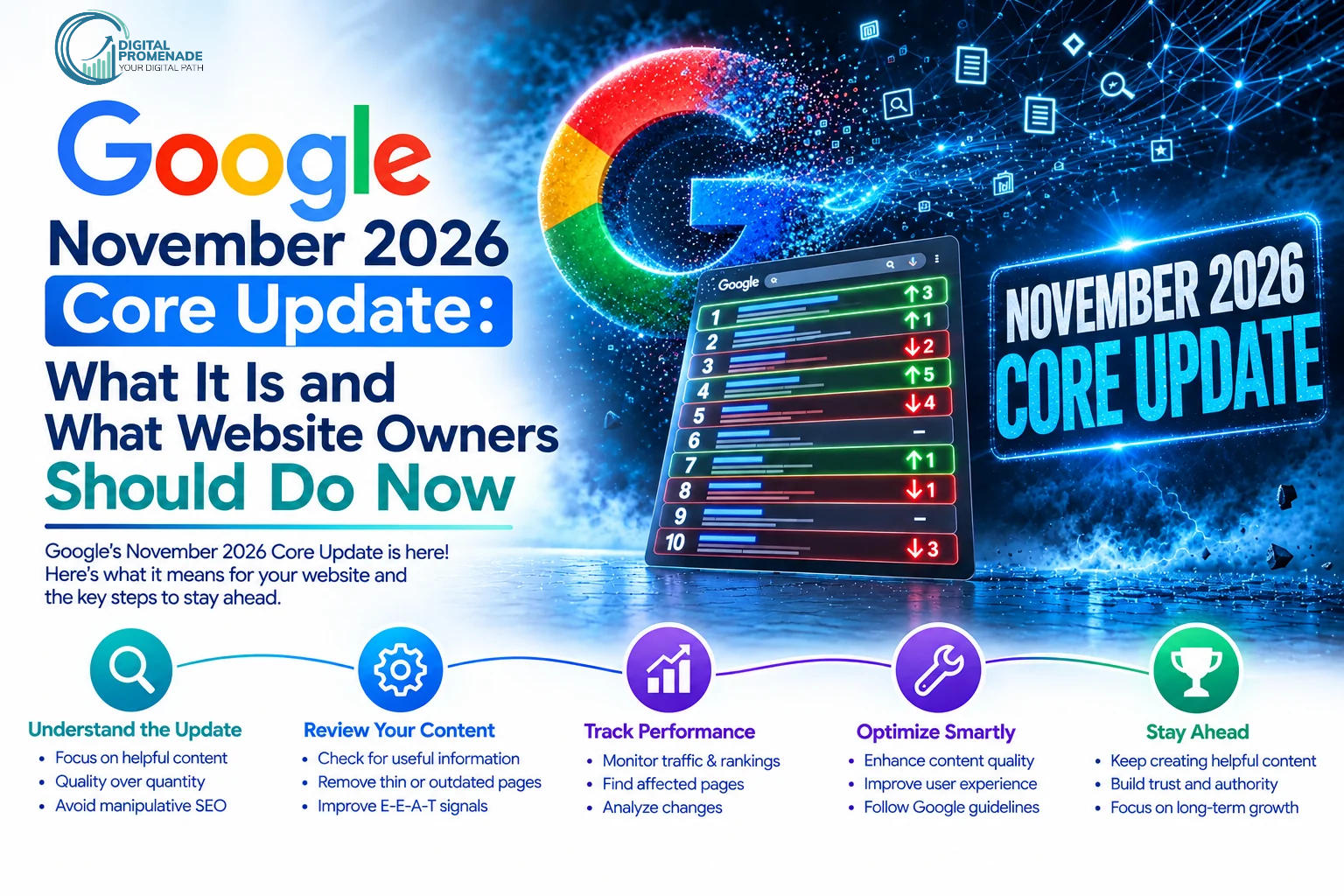
Google November 2026 Core Update: What It Is and What Website Owners Should Do Now
The Google November 2026 core update began on November 10, 2026, and should finish around November 24. It is a regular ranking update, not a penalty. Do not rewrite your site this week. Record your baseline now, audit your most important pages, and judge the results only after the rollout ends.
We track every confirmed Google update for the sites we manage, and the questions repeat at every rollout. Did we lose traffic? Should we change something today? When will we know? This guide answers all three, then walks through what to do next, step by step.
Google has not named specific goals for this update. We say that up front because many articles claim to know what it targets. They do not. What we do know is the timing, the scope, and Google’s own measurement advice, and that is enough to act on.
Google November 2026 Core Update at a Glance
| Detail | What we know |
| Name | November 2026 core update |
| Start | November 10, 2026, 10:06 a.m. PT |
| Expected length | Up to two weeks, so roughly November 24 |
| Scope | Global, all languages |
| Google’s description | A regular update that helps searchers find relevant, satisfying content from all types of sites |
| Penalty | No. Core updates do not target specific sites or pages |
| Count this year | Third core update; eighth ranking update on Google’s Search Status Dashboard |
| Stated goals | None published as of November 12 |
Sources: Google Search Status Dashboard, Search Engine Journal, and Search Engine Roundtable.
Quick summary: Google started the November 2026 core update on November 10, applies it worldwide, and expects it to take up to two weeks. It is a regular update with no published goals and no penalty attached.
What Is the Google November 2026 Core Update?
A core update is a broad adjustment to the systems Google uses to rank pages. Google re-evaluates how it weighs relevance and quality across the whole index, so pages can rise or fall even when their owners changed nothing. A page often drops because other pages improved, not because it got worse. If you want the fundamentals first, we explain what a Google core update is in our search engine basics guide.
What Has Google Confirmed?
Google confirmed four things on the Search Status Dashboard and in its Search Central post:
- The update applies globally and to all languages.
- The rollout may take up to two weeks.
- Google describes it as a regular update, the same wording it used for the March 2026 core update.
- Google will update its ranking release history page when the rollout ends.
Google has not listed what changed. Anyone who tells you the update targets a specific content type is guessing.
How Is a Core Update Different From a Spam Update?
| Factor | Core update | Spam update |
| Purpose | Broad reassessment of relevance and quality | Targets pages that break spam policies |
| Who is affected | Any site, including clean ones | Mostly sites using spam tactics |
| 2026 rollout lengths | 12 days 4 hours (March), 11 days 21 hours (May) | 2 days 1 hour (June), 2 days 16 hours (August), 13 days 16 hours (September) |
| What you do about a drop | Improve overall content quality and usefulness | Remove the policy-violating tactic |
Quick summary: A core update re-weighs how Google ranks content across the web, so any site can move. A spam update goes after policy violations. You fix a core update drop by improving content, and you fix a spam drop by removing the tactic.
When Did the Update Start and How Long Will It Take?
The rollout started on November 10 at 10:06 a.m. PT, and Google says it may take up to two weeks. Our planning date for completion is November 24. Our safe window runs from November 22 to the first days of December.
What Does the 2026 Update Timeline Look Like?
| Update | Dates | Length |
| March 2026 core update | March 27 to April 8 | 12 days 4 hours |
| May 2026 core update | May 21 to June 2 | 11 days 21 hours |
| June 2026 spam update | June 24 to June 26 | 2 days 1 hour |
| August 2026 spam update | August 18 to August 21 | 2 days 16 hours |
| September 2026 spam update | September 24 to October 8 | 13 days 16 hours |
| November 2026 core update | November 10 to about November 24 | In progress |
We ran two calculations on the public dashboard data. The five most recent finished core updates (March 2025 through May 2026) averaged 14.5 days. And 161 days passed between the end of the May update on June 2 and the start of this one on November 10. That is the longest quiet stretch for core updates in this period, which is one reason volatility tools lit up before the announcement.
Why Does “Up to Two Weeks” Often Run Longer?
Because it is a ceiling Google does not always respect. In a tracked set of 16 core updates, 8 ran longer than 14 days, and the March 2024 update ran 45 days. Plan for two weeks and stay calm if it takes three.
Quick summary: The November 2026 core update started November 10 and should end around November 24. Eight of 16 tracked core updates ran past 14 days, so treat two weeks as a target, not a guarantee.
Who Is Most Affected by This Update?
It is day three, and no credible winner-and-loser data exists yet. Google says the update applies to all types of sites. What we can say is who has the most at stake, based on timing and how each site earns traffic.
How Does It Affect Ecommerce Sites?
Ecommerce sites carry the most risk because the rollout ends just before Thanksgiving (November 26), Black Friday (November 27), and Cyber Monday (November 30). A ranking shift on a category page now costs real revenue within days. Our ecommerce SEO techniques guide covers the category and product page fixes that hold up best in volatile weeks.
How Does It Affect Local and Service Businesses?
Local businesses compete in organic results and in the local pack. Google has not said this update targets local results, but your website’s quality still feeds your organic rankings. We cover this in detail in the local section below.
How Does It Affect Publishers and Lead-Generation Sites?
Informational pages face the double pressure of core updates and AI answers on the results page. Core updates can also move Discover and featured snippets, so a Discover traffic swing this month does not mean your tracking is broken.
Quick summary: Ecommerce sites face the highest seasonal risk, local businesses face website quality questions, and publishers face core update movement plus AI answer competition. Nobody has reliable winner-and-loser data yet.
What Should You Do During the Rollout?
Do five things, in this order. Each step protects you from the most common rollout mistake, which is changing too much too fast and then being unable to tell what worked.
Step 1: Record Your Baseline
Export your Search Console Performance data for November 3 to November 9. That is the week before the rollout, and it is the baseline Google’s own documentation points to. Save these views:
- Total clicks, impressions, average position, and CTR
- Top 50 queries and top 50 pages
- Branded and non-branded queries separately
- Organic landing pages from your analytics tool
Take a screenshot of your rank tracker as well. Tools overwrite history, and a screenshot does not.
Step 2: Freeze Major Site Changes
Hold off on migrations, redesigns, bulk URL changes, and mass deletions until the rollout ends. If traffic moves after a redesign during a core update, you cannot separate the two causes. Small fixes, like a broken link or a typo, are safe.
Step 3: Audit Your Top 20 Pages
Sort pages by revenue or leads, then review the top 20 against the results currently outranking them. For each page, answer these questions:
- Does the first 100 words answer the query directly?
- Does the page contain information a competitor’s page lacks, such as original data, photos, or first-hand experience?
- Does it name an author with relevant credentials?
- Is the date visible, and is the content current?
Pages that fail two or more questions go on the rewrite list. If your team lacks writing capacity, our content writing services cover audits and rewrites for exactly this situation.
Step 4: Check Technical Health
Open Search Console and review indexing status, crawl errors, and Core Web Vitals. Confirm that no one changed robots.txt or added a noindex tag by accident. A technical fault can look exactly like a core update drop.
Step 5: Protect Your Holiday Revenue
Do not rely on organic search alone for the next three weeks. Move part of your budget to paid campaigns on your highest-intent keywords, send your email list a Black Friday offer early, and keep your best-selling product pages stable.
Do and Don’t During the Rollout
| Do | Don’t |
| Save baseline data from November 3 to 9 | Check Search Console daily and react to every dip |
| Audit your top 20 revenue pages | Rewrite your entire site |
| Fix confirmed technical errors | Delete pages that lost traffic |
| Shift some budget to paid and email | Buy links or publish mass AI content to catch up |
| Log every change with a date | Make big changes without logging them |
Quick summary: Record a November 3 to 9 baseline, freeze major changes, audit your top 20 pages, check technical health, and protect holiday revenue with paid and email. Do not rewrite your site or delete pages during the rollout.
How Do You Measure the Impact Without Misreading the Data?
Wait until the rollout ends, wait a full additional week, then compare that week with the week before the rollout began. Google’s core updates documentation recommends this method, and Search Engine Journal points out that the baseline week for this update is the week before November 10.
What Is the Right Comparison Window?
If the rollout finishes on November 24, the comparison week runs from November 25 to December 1. That week contains Thanksgiving, Black Friday, and Cyber Monday. A raw comparison against a normal baseline week will show a holiday spike, and that spike will hide any ranking loss.
How Do You Adjust for Holiday Traffic?
Use measures that holiday shopping does not distort:
| Metric | Why it works | How to read it |
| Non-branded impressions | Shows how often you appear, independent of buying intent | A drop signals lost visibility |
| Average position by page group | Compares like with like | A drop of two or more positions needs investigation |
| Year-over-year, aligned to Thanksgiving week | Matches holiday to holiday | The cleanest view of true change |
| Branded vs non-branded split | Separates demand from rankings | Branded demand rises in holidays; non-branded shows ranking health |
Here is a simple example. Suppose clicks rise 40% week on week, but non-branded impressions fall 15%. The holiday lifted your clicks, and the update reduced your visibility. Looking only at clicks would have told you everything is fine.
Quick summary: Compare the week after the rollout ends plus one week with the November 3 to 9 baseline, using non-branded impressions, average position, and year-over-year data. Raw clicks will mislead you because Black Friday and Cyber Monday fall inside the window.
How Do You Recover If Your Rankings Drop?
Improve the pages that lost visibility, then wait for Google to reassess them. A core update drop is not a manual action, so no reconsideration request exists. Recovery follows the same slow pattern as any other SEO change, and our guide to how long SEO takes to work explains the timelines behind Google core update recovery.
Google can also release smaller refreshes to a core update without a public announcement, so genuine improvements may pay off before the next named update.
How Do You Diagnose the Drop by Pattern?
These are our working rules from client audits. They are not Google statements.
| Pattern in Search Console | Likely cause | First fix |
| Drop across all page types | Site-wide quality or trust signals | Audit authorship, about page, and the share of thin pages |
| One folder or template drops | Template-level thin content | Rewrite or consolidate that template |
| Informational pages drop, product pages hold | Intent mismatch or stronger competing answers | Add original data, depth, and first-hand detail |
| Impressions steady, clicks fall | SERP features or AI answers, not ranking | Improve titles, snippets, and answer-first formatting |
| Branded queries fall too | Technical or indexing problem | Check indexing and server errors first |
How Do You Fix Thin and Generic Pages?
Merge pages that cover the same query, and expand the survivor with details only you can provide. A generic 600-word page that repeats what ten competitors say gives Google no reason to rank it. Add pricing ranges, process photos, original numbers, or lessons from your own projects.
How Do You Strengthen Experience and Authorship?
Google’s helpful content guidance frames quality around three questions: who created the content, how it was created, and why it exists. Add visible author names with credentials, explain how you produced the content where readers would ask, and cut anything that exists only to attract clicks.
Recovery Steps in Order
- Confirm the drop is real, using the comparison method above.
- Segment by page group, query type, and device.
- Pick the 10 most valuable pages that lost ground.
- Rewrite them against the pages now outranking them.
- Request indexing for the updated URLs and log the date of each change.
- Review results after the next Google refresh, not after three days.
Quick summary: Diagnose the drop by pattern, rewrite your 10 most valuable losing pages with first-hand detail and clear authorship, and log every change. Recovery takes weeks or months, and Google may reward real improvements in unannounced refreshes.
How Does This Update Connect to AI Overviews and AI Search Visibility?
The core ranking systems and AI answers draw on the same web, so a ranking change can change which pages AI answers cite. We cannot prove the exact mechanism, and Google has not described one. OnlineMarketing.de argues that strong organic rankings feed AI visibility, which matches what we see in client data.
The interface keeps changing as well. Search Engine Roundtable reported on November 11 that Google is placing source icons at the bottom of AI Overviews. Fewer clicks reach your site even when you rank well, which is why we wrote about how AI Overviews are cutting clicks and what to do about it.
What Should You Change in Your Content for AI Answers?
- Put a direct answer in the first two sentences under each question heading.
- Use tables for comparisons and numbered lists for processes, since both are easy to extract.
- Cite sources by name and date.
- Add original numbers that AI answers have no other place to find.
We explain the full approach in our guide to AI-ready content.
Quick summary: Organic rankings and AI answer citations are linked, though Google has not detailed how. Answer-first headings, tables, named sources, and original data improve your chances in both.
What Does the Update Mean for Local Businesses in India?
If you run a business in Noida, Delhi NCR, or any other Indian city, treat the rollout as a prompt to check your website’s quality and your local signals, not as a reason to panic. Google has not said this update changes local pack rankings. Your website, though, influences how you appear in organic results for “near me” and service queries.
What Should a Local Business Check First?
- Business Profile accuracy. Confirm your name, address, phone number, hours, and categories match your website.
- Review freshness. Recent reviews with owner replies show an active business. Our guide explains how Google reviews help local rankings.
- Service pages. Give each core service its own page instead of one catch-all page.
- Location content. If you serve several areas, write something specific to each one. Swapping the city name on a template page does not work.
For a complete setup, see our local SEO services.
Quick summary: Local businesses should check Business Profile accuracy, review freshness, dedicated service pages, and unique location content. Google has not said the November update targets local results, but website quality still affects organic visibility.
Which Mistakes Should Website Owners Avoid?
We see the same errors every rollout.
- Rewriting the whole site. You lose the ability to tell what helped.
- Deleting pages that dropped. A page with lost rankings may still earn traffic from other queries, and deletion removes its links and history.
- Checking rankings every day. Mid-rollout data swings back and forth, and Google tells site owners to wait for the rollout to finish.
- Blaming the update for a technical fault. Always rule out indexing and server errors first.
- Buying links or mass-producing AI content to recover. That trades a ranking problem for a spam problem.
- Ignoring seasonality. Holiday traffic can hide or exaggerate the real effect.
Quick summary: The costly mistakes are rewriting everything, deleting dropped pages, daily rank checking, skipping technical checks, buying shortcuts, and ignoring holiday seasonality. Each one makes diagnosis harder.
How Does Digital Promenade Handle Core Update Audits?
We follow the same five stages for every client, whether the site gained or lost.
- Baseline capture. We export Search Console and analytics data for the week before the rollout.
- Segmentation. We split traffic by page group, query type, branded vs non-branded, and device.
- Gap analysis. We compare priority pages against what now ranks above them.
- Technical review. We rule out indexing, speed, and crawl faults.
- Thirty-day action plan. We rank fixes by revenue impact and log each change with a date.
[ADD VERIFIED CLIENT RESULT HERE: client type, what happened after a past core update, what we changed, and the measured outcome with timeframe.]
Quick summary: Our core update audit has five stages: baseline, segmentation, gap analysis, technical review, and a thirty-day plan ranked by revenue impact.
Core Update Action Checklist
| When | Action |
| Today | Save Search Console data for November 3 to 9 and a rank tracker screenshot |
| This week | Audit your top 20 revenue pages; fix technical errors; freeze major changes |
| Through November 24 | Shift part of your budget to paid and email for Black Friday and Cyber Monday |
| After the rollout ends | Wait one full week, then compare using non-branded impressions and year-over-year data |
| Next 90 days | Rewrite losing pages with first-hand detail; strengthen authorship; track results |
The November 2026 core update will settle within weeks. Your response should be measured, documented, and focused on pages that earn money. If you want a second opinion on your data, talk to our SEO team and we will review your baseline with you.
Frequently Asked Questions
No. A core update is a broad change to ranking systems, and Google says it does not target specific sites. Think of a restaurant guide that re-scores every restaurant after changing its criteria. A restaurant can fall because others scored higher, even though its food stayed the same. Your page works the same way.
Google says up to two weeks from November 10, so around November 24, but it may run longer. Eight of 16 tracked core updates ran past 14 days. Plan your holiday campaigns as if rankings stay unsettled through the first days of December.
No, except for clear technical fixes. If you redesign your site mid-rollout and traffic drops, you cannot tell whether the update or the redesign caused it. A furniture store in Noida that relaunches its category pages on November 15 would face exactly that problem. Record your baseline, then wait.
Yes, it is possible. Google can ship smaller, unannounced refreshes to a core update, so real improvements may pay off sooner. Do not count on it. Make your improvements, log the dates, and measure again after each refresh.
They may be, if your key pages move. The rollout ends just before Thanksgiving, so any ranking change lands in your busiest week. A store that sells 60% of its annual revenue in November should not depend on organic search alone. Run paid campaigns on your best-selling categories and email your customer list early.
Google has not said so. Core ranking changes can influence which pages appear as sources, but we have no confirmation of a direct link. Write answer-first content with named sources and original data, and it will serve you in both places.
A core update re-weighs quality across the web, and a spam update targets policy violations. If a site buys links and drops during a spam update, the fix is to remove the links. If a clean site drops during a core update, the fix is better content.
Yes, it can. Core updates affect Discover and features like featured snippets. A news-style blog that gets most of its visits from Discover may see a swing this month, and that swing is part of normal core update movement.
They can, since the update applies to all types of sites. A small dental clinic with a thin website and no author information has a weaker position than a competitor with detailed service pages and recent reviews. Strengthen your service pages and keep your Business Profile current.
Not always. Many recoveries start with a clean baseline, an honest audit of your top pages, and a rewrite plan, and a capable in-house team can do all three. An agency helps when you lack the time, the data skills, or an outside view of your content. We are happy to review your numbers either way.