
How to Submit Your Website to ChatGPT Business Hub
Businesses now have their own corner inside ChatGPT, and there may be one waiting for yours!
Through ChatGPT Business Hub, a brand can take ownership of its listing, keep the details accurate, and see how people come across it on the platform.
So how do you submit your website to ChatGPT Business Hub? Read on. This guide covers the setup, the verification, and what to do once you’re in.
Key Takeaways
- Business Hub is open to eligible businesses that want to claim an existing profile or add a new one.
- You have to prove you’re allowed to act for the business before anything goes live.
- Once approved, you can edit your details and check engagement insights.
- A claimed profile does not promise that ChatGPT will show your business more often.
What Is ChatGPT Business Hub?
OpenAI launched Businesses in ChatGPT as a beta on November 10, 2026. Eligible brands now get a single dashboard to control how they appear on the platform.
In Business Hub, you’re able to claim your listing, change key details, add product information, and see what kind of interest your brand is drawing.
Book a Free Consultation – digitalpromenade.com
This matters because people already turn to ChatGPT to look into products, weigh up services, and read about brands they haven’t come across. OpenAI says around 1.2 billion people use it each week. Having some say in what ChatGPT knows about your business is well worth it. A claimed ChatGPT business listing is how you get that say.
The best part is that you don’t need much to begin.
What to Prepare Before You Start
Before you open the form, get your records and access in order. You’ll need to verify your website domain and your identity, and then fill in the business details. Having these ready makes it easier to submit business to ChatGPT without delays.
Here is what you’ll need:
- Personal identification: A government-issued ID for the identity check.
- Business website: Your business’s domain.
- DNS access: Access to add a TXT record, or help from the person who manages your domain.
- Public business name: The name customers recognize.
- Legal business name: The name on your official documents.
- DBA or trading name: The name you operate under, if it differs from the legal name.
- Business type: Sole proprietorship or entity, as recorded in your business documents.
- Business addresses: Your physical address, plus the registered address if it’s different. P.O. boxes aren’t accepted.
- Registration or tax identifier: The number requested for your country and business type.
- Contact information: A business email address and phone number.
One field can cause confusion. The registration number box shows a sample that looks like a U.S. Employer Identification Number, or EIN. A state registration number is a different thing, so check which identifier the form wants for your country before you type anything in.
How to Submit Your Website to ChatGPT Business Hub
Ready to give it a go? Here’s how to add business to ChatGPT‘s process work:
Step 1: Go to Business Hub
Log in to ChatGPT and open Business Hub from the sidebar.
You’ll find a search box there to search your business and start the claim.
Step 2: Search for Your Business or Add It
Look up your business name and pick the matching listing.
If nothing shows up, online businesses that qualify may be allowed to create a new profile. Right now, brick-and-mortar shops and restaurants are limited to claiming listings that are already live in the US.
If another person has claimed your listing before you, Business Hub has a way to dispute it.
Step 3: Prove You Own the Business
Next, you show that you’re allowed to speak for the business. The options you see depend on the listing and may include:
- Email: A code is sent to your business inbox.
- Phone: A text message or voice call confirms your number.
- Domain: You publish a TXT entry in your DNS settings.
- Shopify: You link your Shopify store.
DNS only proves you control the website, so it sounds harder than it is. Many DNS providers append your domain on their own, so enter just the host part of the record. The full version can make the check fail. If you get stuck, ask whoever manages your website.
After you submit, OpenAI reviews the claim and emails you the decision.
Step 4: Verify Who You Are
Once the claim is approved, you complete an identity check with Persona. You need it before you can publish edits or open insights.
Upload the ID or business documents it asks for, then wait for OpenAI to approve them.
Step 5: Fill In Your Profile
Now comes the fun part.
Review your site link, business description, logo, product and service details, and any policies. Write them for a first-time visitor, so they find what they’d want to know before they click through.
Edits go through a review, so don’t expect them to appear instantly.
Need Help With Content Strategy? Talk to Our Team – digitalpromenade.com
What Happens After Verification?
Once you’re approved, there’s more to explore.
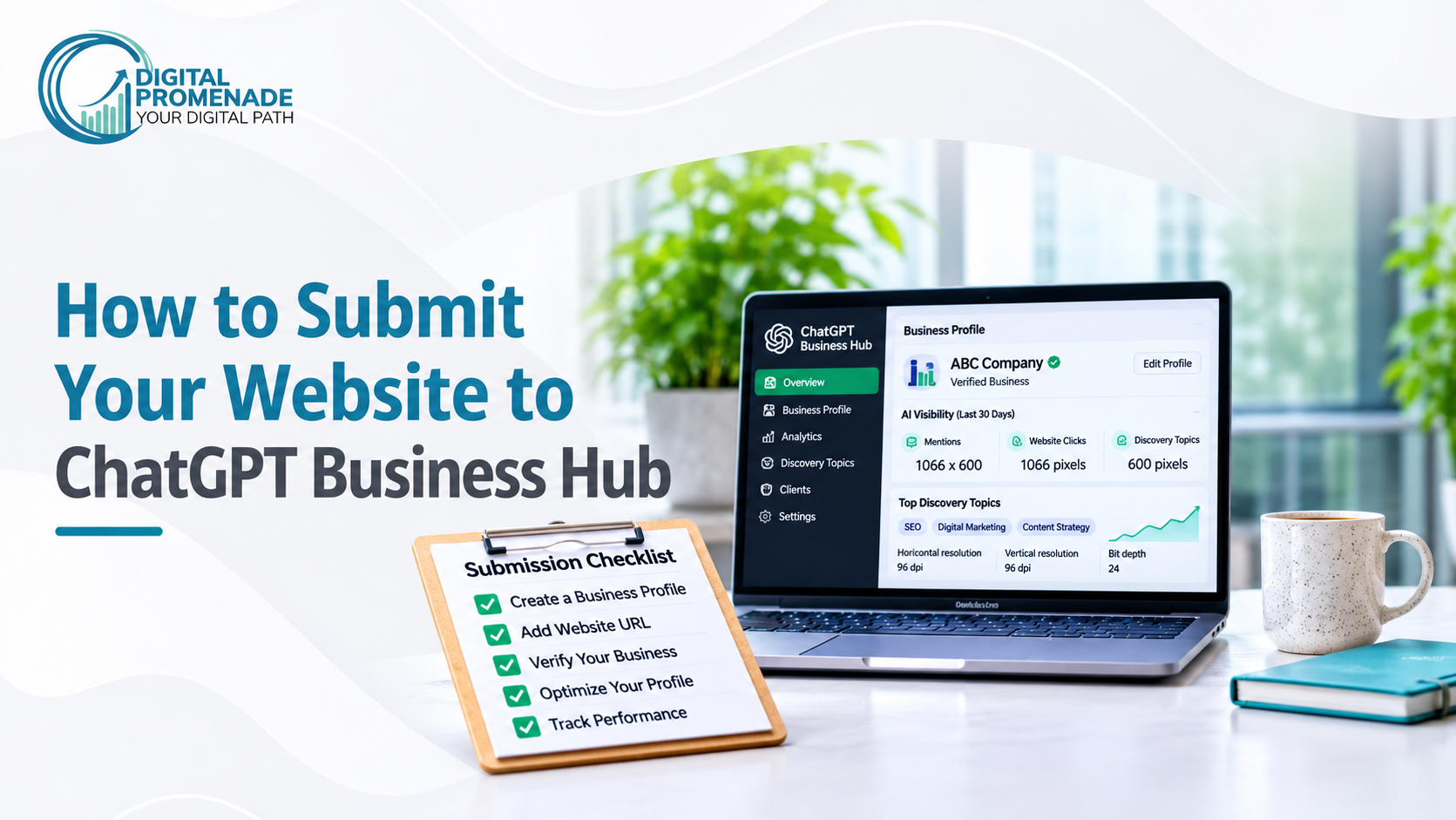
The Insights section shows combined numbers on business mentions, website clicks, and the topics linked to how customers find you. The figures cover the past 28 days, and OpenAI says it doesn’t share individual conversations with businesses.
Eligible businesses can also connect product feeds or try Business Agents, which let customers have a separate conversation with a business. Business Agents are only available to eligible ecommerce and online service businesses in the United States for now. These features each have their own requirements, but they’re worth keeping on your radar as Business Hub grows.
Book a Free Consultation – digitalpromenade.com
Why Businesses Should Seek Professional Help
Honestly, there is a lot of work to be done when you think to submit website to ChatGPT businessss hub. From understanding the Google algorithm to managing different areas like schema markup, SEO, content strategy, and web development, team.
This is where a partner like Digital Promenade comes in. Based in Noida, India, we are a digital marketing agency that works with businesses on SEO, social media, PPC, and website development. Our team of experts understands the technical side of getting found in AI search and the content that makes a business easy to understand and recommend.
Here’s what we can handle:
- Website development built for AI discovery
- Structured data setup
- Content strategy and creation
- Technical SEO
- Integration with modern tools and platforms
- Ongoing optimization and updates
Explore Our SEO Services – digitalpromenade.com
The Bottom Line: Don’t Wait Until Your Competitors Get There First
AI search is already part of how people look for businesses. Every week you wait to set up your profile is a week your competitors may be the ones ChatGPT knows more about.Start
Your AI Search Optimization Today – digitalpromenade.com
Plenty of people no longer just “search.” They ask ChatGPT a question and act on what it tells them. A verified, accurate profile gives your business a better chance of being described correctly in those conversations.
FAQs
Any eligible business in a place where ChatGPT is available can claim a profile through Business Hub. Eligibility depends on factors like industry, location, and OpenAI's verification checks. Local stores and restaurants can currently claim only existing listings in the United States.
Depending on your listing, you can verify through your business email, your business phone, a DNS TXT record on your domain, or a connected Shopify store. After your claim is approved, you also complete an identity check through Persona.
Not automatically. A claimed profile lets you keep your information accurate and see how people engage with your brand, but OpenAI doesn't promise more visibility. Clear, consistent information on your website and across the web still matters.
Not word for word. Business Hub shows combined insights such as mentions, website clicks, and discovery topics over the past 28 days. It doesn't share individual ChatGPT conversations with businesses.